Keep2Share Slow, Blocked or 401 Error: Fixes
Updated ·RapidQuick editorial team (TUOPIC Co., Ltd.)
The short answer
Free Keep2Share downloads are deliberately slow: K2S's help center says free users are limited to 50 kb/s and always have a waiting time. Premium removes both.
"401 Unauthorized: Temp URL invalid" happens when your IP address keeps changing; Keep2Share's own help article recommends using a VPN or proxy. "Blocked for too many downloads" is caused by scripts or browser extensions sending too many requests.
The daily traffic limit counts videos watched online and cancelled downloads in full, and resets at 00:00 GMT (9:00 in Japan). Premium allows 10 GB a day, PRO 50 GB and MAX 100 GB.
Quick answers: symptom, cause and fix
Everything below comes from the knowledge base at help.k2s.cc, Keep2Share's official help center (checked October 2026).
| What you see | Cause (official) | What to do |
|---|---|---|
| Free download is very slow | Free users are limited to 50 kb/s | Use Premium |
| Long waiting time before a free download | Free users always wait so Premium users get full bandwidth | Use Premium |
| Free download does not start after 30 seconds | Captcha problem in some browsers | Try another browser such as Google Chrome |
| Premium download is slow or keeps stopping | Connection issues | Use a download manager (JDownloader, Internet Download Manager…) |
| "Traffic limit exceeded" although you downloaded little | Online video and cancelled downloads count in full | Wait for the reset at 00:00 GMT |
| "Blocked for too many downloads" | A script, app or extension sends too many requests | Disable extensions or try another browser |
| "401 Unauthorized: Temp URL invalid" | Your IP address keeps changing | Use a VPN or proxy, as K2S recommends |
| "Error 503" | Server maintenance | Try again later |
| "Sorry, this file is blocked or deleted" | The uploader deleted the file | It cannot be downloaded |
Why is Keep2Share so slow for free users?
Keep2Share limits free downloads on purpose. Its help article "FREE. My downloads are too slow" says the download speed for free users is set to 50 kb/s, and recommends a premium subscription if you plan to download a lot.
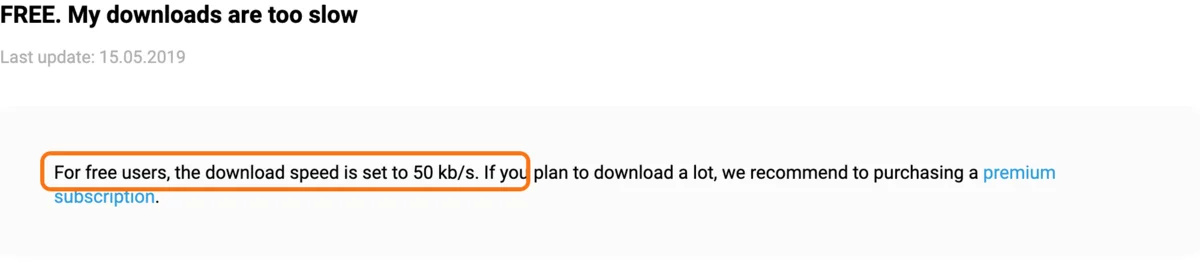
Free users also always have a waiting time before the download starts ("FREE. My waiting time is too long"), which K2S explains as making sure Premium users get maximum bandwidth. Note that these help articles were last updated in 2019; the plan table on the official site today simply describes the free speed as slow.
If a free download does not start after the 30-second wait, K2S says the captcha can fail in some browsers and suggests another browser such as Google Chrome.
Premium download is slow or keeps stopping
For Premium users, Keep2Share's help article "PREMIUM. My download speed is slow or interrupt" recommends any major download manager, such as JDownloader, Internet Download Manager or Download Accelerator Plus. They can speed up downloads and resume ones that were interrupted. If it is still slow, K2S asks you to send them a traceroute to its download server so their technicians can check the connection.
"Traffic limit exceeded" when you did not download much
Every plan has a daily download limit: 10 GB for Premium, 50 GB for PRO and 100 GB for MAX. K2S explains why the limit can run out sooner than expected:
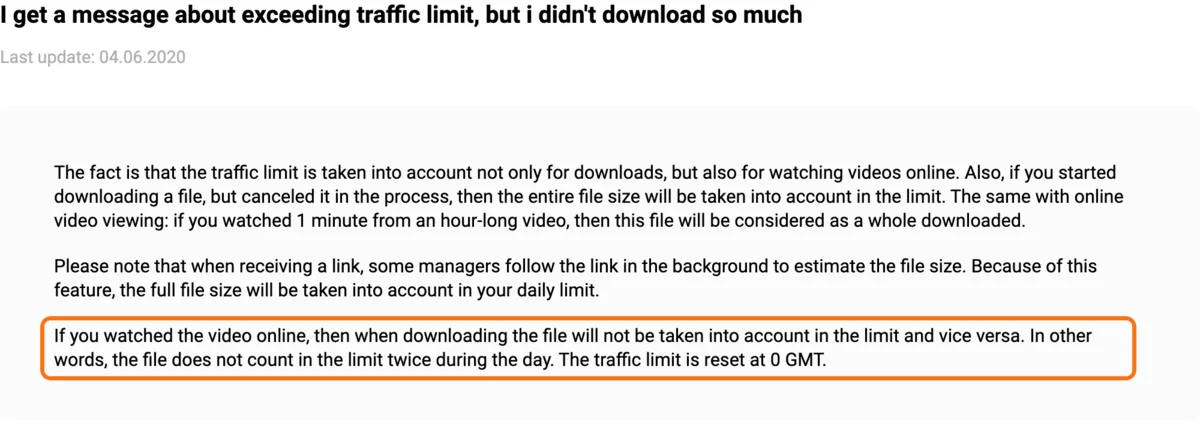
- Watching videos online counts. Watch 1 minute of an hour-long video and the whole file counts.
- Cancelled downloads count in full. Start a download and cancel it, and the entire file size is used.
- Some download managers count too. They open the link in the background to check the file size, which counts the full size.
- A file counts only once a day. If you watched it online, downloading it the same day does not count again, and vice versa.
The limit resets at 00:00 GMT, which is 9:00 in Japan. If you often run out, the Keep2Share PRO vs MAX comparison explains which plan gives you enough daily traffic.
"Blocked for too many downloads"
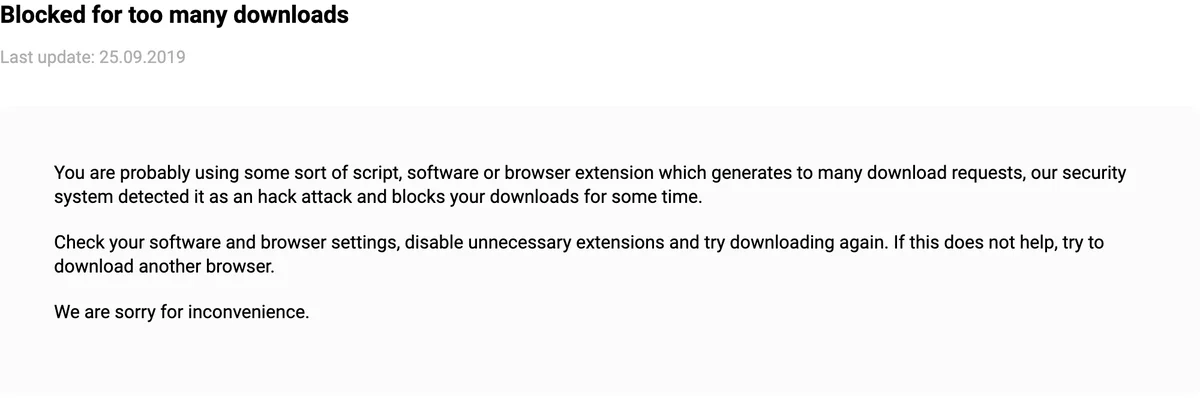
According to Keep2Share, this appears when a script, program or browser extension sends too many download requests. The security system treats it as an attack and blocks downloads for some time. Check your software and browser settings, turn off extensions you do not need and try again, or use another browser.
"401 Unauthorized: Temp URL invalid" and VPNs
This error means your internet provider keeps changing your IP address, and Keep2Share's security system reacts as if your account had been taken over and blocks the link. Keep2Share's own help article recommends a VPN to fix it, naming Hola, TunnelBear, ExpressVPN and NordVPN, or a public proxy server.
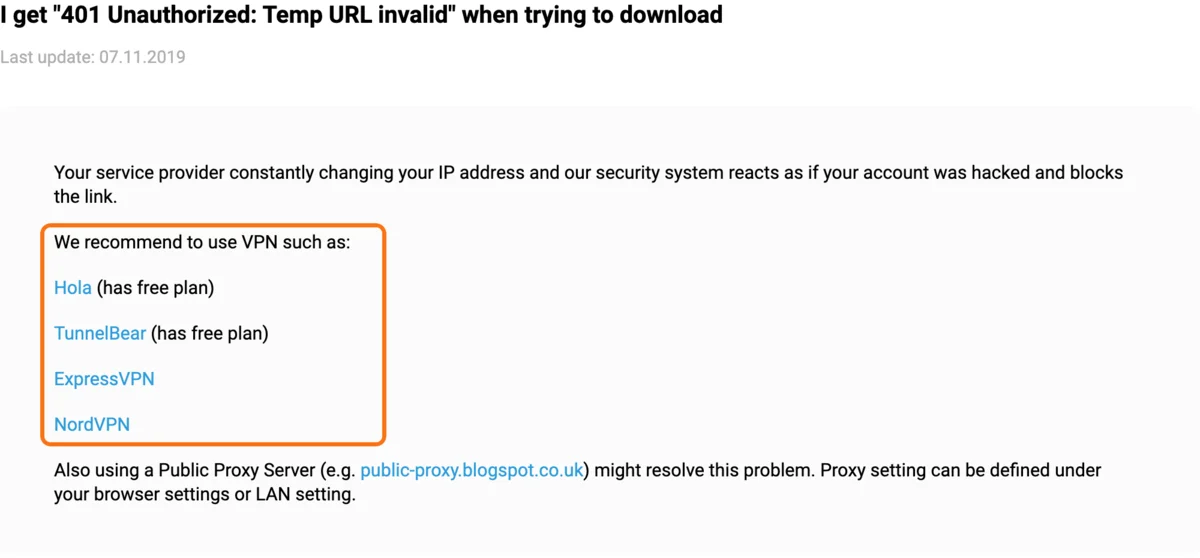
The point is a stable IP address while you download: if the VPN itself switches servers during a download, the same error can come back.
Error 503 and "this file is blocked or deleted"
- Error 503: the server is under maintenance. Try again later.
- "Sorry, this file is blocked or deleted": the uploader deleted the file, so no plan can download it. Premium does not bring deleted files back.
If none of this helps, Keep2Share's help center lists what to send them: the file link, the error message, your browser and its version, and a screenshot.
Getting Keep2Share Premium
We sell Keep2Share PRO and MAX for 30, 90 and 365 days, paid by card, Apple Pay or Google Pay, with the 40-character code sent by email. See the Keep2Share PRO product page and the Keep2Share MAX product page, and how to use the activation code. Codes never renew automatically, unlike plans bought on k2s.cc: see Keep2Share free trial and auto-renew.
Worried about viruses or paying on k2s.cc? See Is Keep2Share safe?.
Downloading from Fileboom or TezFiles instead? They are in the same group but need their own premium: see Fileboom plans and TezFiles premium.
FAQ
Q. Why is Keep2Share so slow?
Free downloads are limited on purpose: Keep2Share's help center says free users get 50 kb/s and always have a waiting time. Premium, PRO and MAX remove the speed limit and the wait.
Q. How do I fix "401 Unauthorized: Temp URL invalid" on Keep2Share?
It happens when your IP address keeps changing. Keep2Share's help article recommends using a VPN (it names Hola, TunnelBear, ExpressVPN and NordVPN) or a public proxy, so your IP stays the same while you download.
Q. Why does Keep2Share say I exceeded the traffic limit?
Videos watched online and cancelled downloads count in full, and some download managers count a file when they check its size. The limit resets at 00:00 GMT (9:00 in Japan).
Q. What does "Blocked for too many downloads" mean on Keep2Share?
A script, program or browser extension sent too many download requests, so Keep2Share blocked downloads for a while. Turn off unneeded extensions or try another browser.